
Every studio and fitness app is sitting on hours of workout video. Class recordings, instructor demonstrations for an on-demand library, a member filming a set on their phone to check it later. Almost all of it is watched once, by a person, and then archived.
What a trainer actually spends a session looking at is movement: how deep the squat goes, whether both sides travel together, how the shape of a pilates sequence holds in the last minute compared with the first. That information is in every one of those clips, and almost none of it is written down anywhere.
From a clip to a set of positions
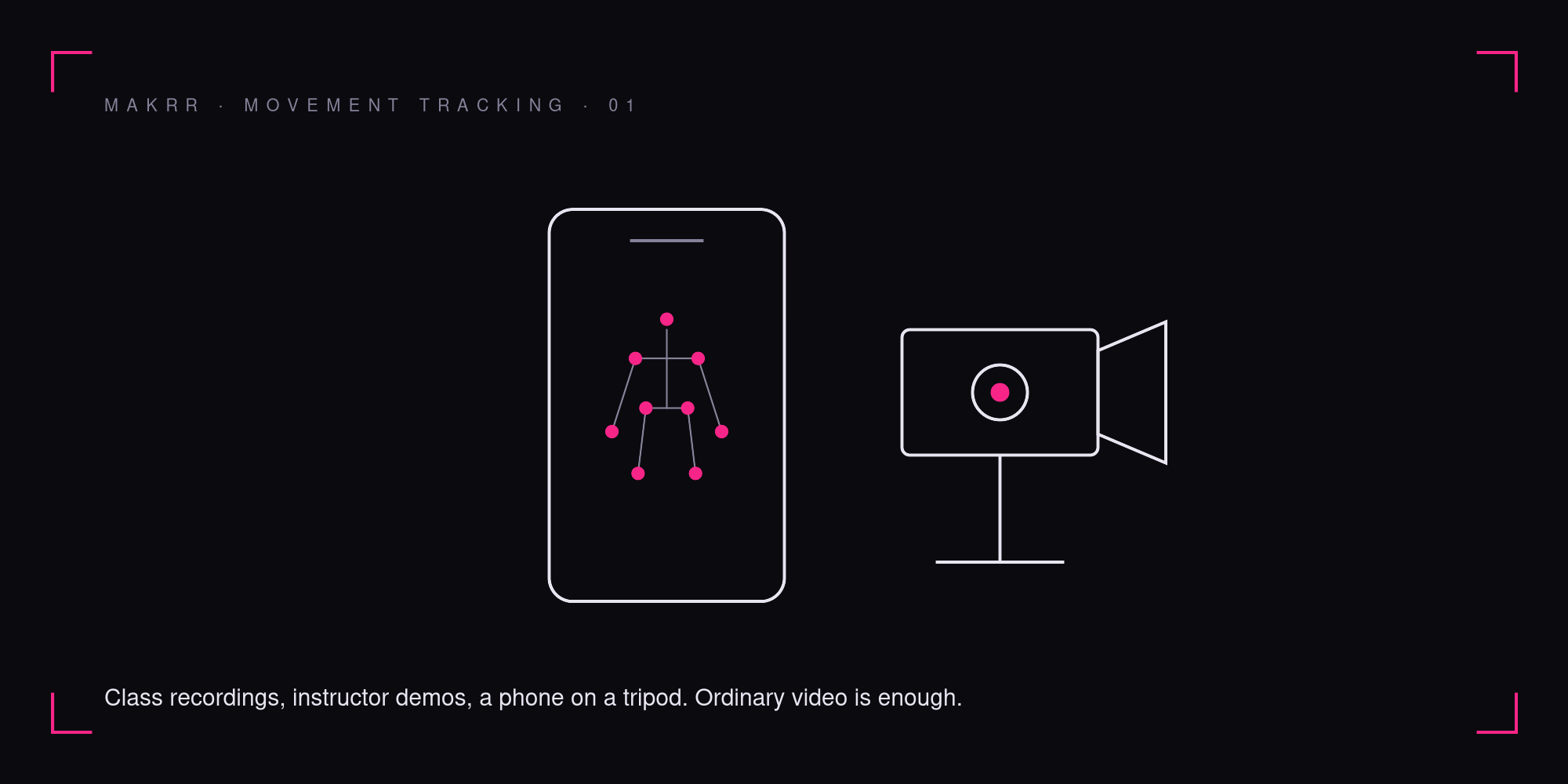
A keypoint model reads the same footage differently from a person. It locates each joint of the body in every frame, so a clip stops being something to watch and becomes a set of positions you can work with. This is what pose tracking means in practice. There are no markers, no suits and no wearables involved. An ordinary camera with a clear view of the person, head to feet, is the starting point.
It is the same underlying technique broadcasters use to put a joint angle on a golf swing, and the same one that flags an unsafe lift on a warehouse dock. For the wider set of places it turns up, see our piece on keypoint detection from sports to the factory floor.
What movement tracking returns
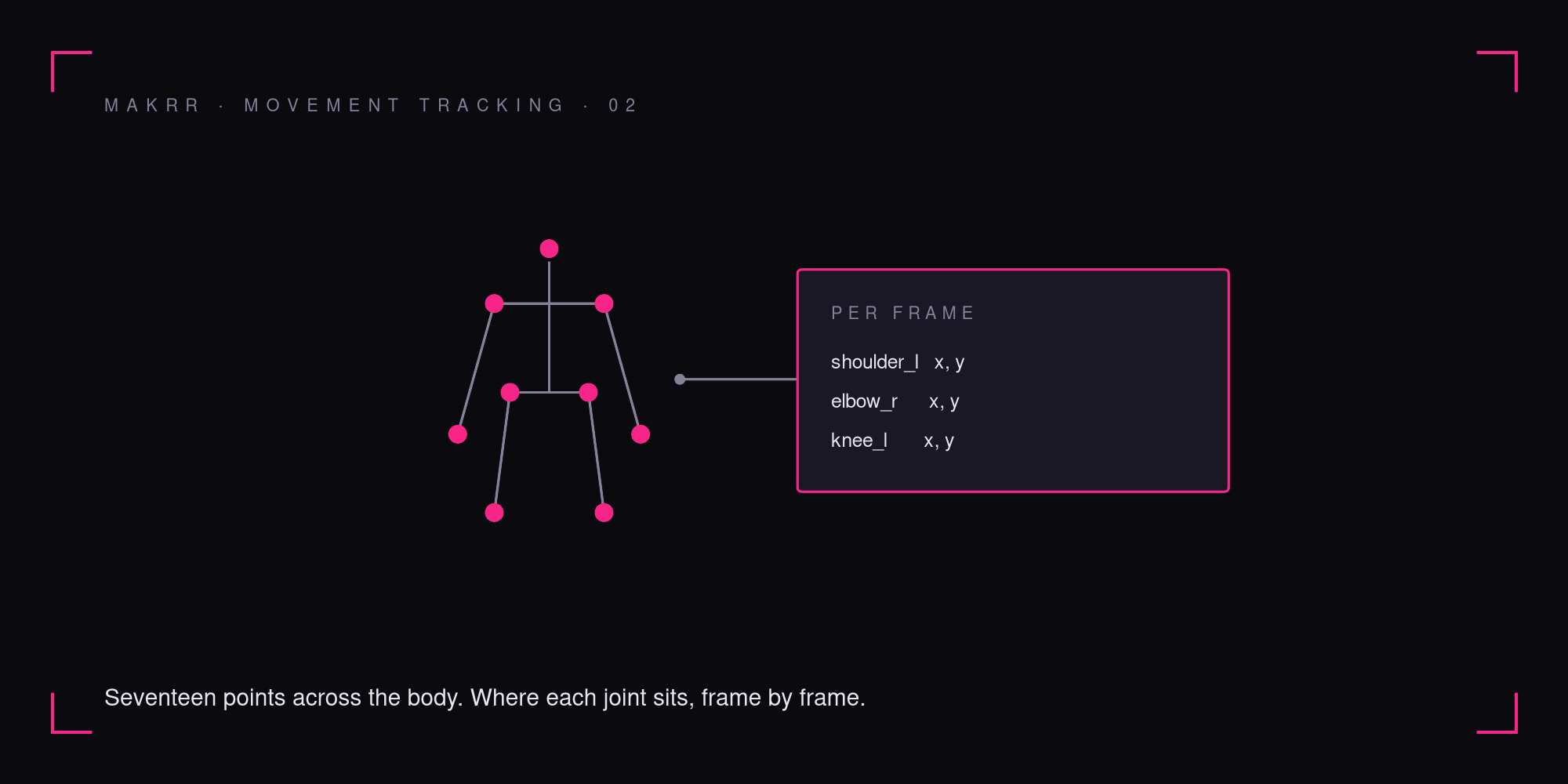
The output is deliberately plain: for every frame, where each joint sits, as x and y coordinates in the image. Common open formats mark seventeen points across the body, from the nose and shoulders down to the ankles. Joined frame by frame, those points become trajectories, the path each joint travels through a movement.
That is the whole product at this layer, and the restraint is intentional. The coordinates are raw material. Everything a fitness product might eventually want to show a member, whether that is a count, a range, or a comparison with last week, is arithmetic and design built on top of those points, and it belongs to the product team that knows its members. Where a team wants MAKRR to build one of those layers with them, it is scoped as its own project rather than bundled in as a promise.
Why a model trained on someone else’s footage struggles in your studio
Public pose models learn largely from everyday photographs: people standing, walking and playing sport, mostly upright, mostly facing the camera, mostly in decent light. A studio is a different visual problem. Floor work puts the body horizontal. A reformer carriage, its straps and springs sit between the camera and the hips. Mirrors put a second copy of every member in frame. Evening classes run in low, warm light, and black leggings on a black mat remove most of the contrast a model relies on to find a knee.
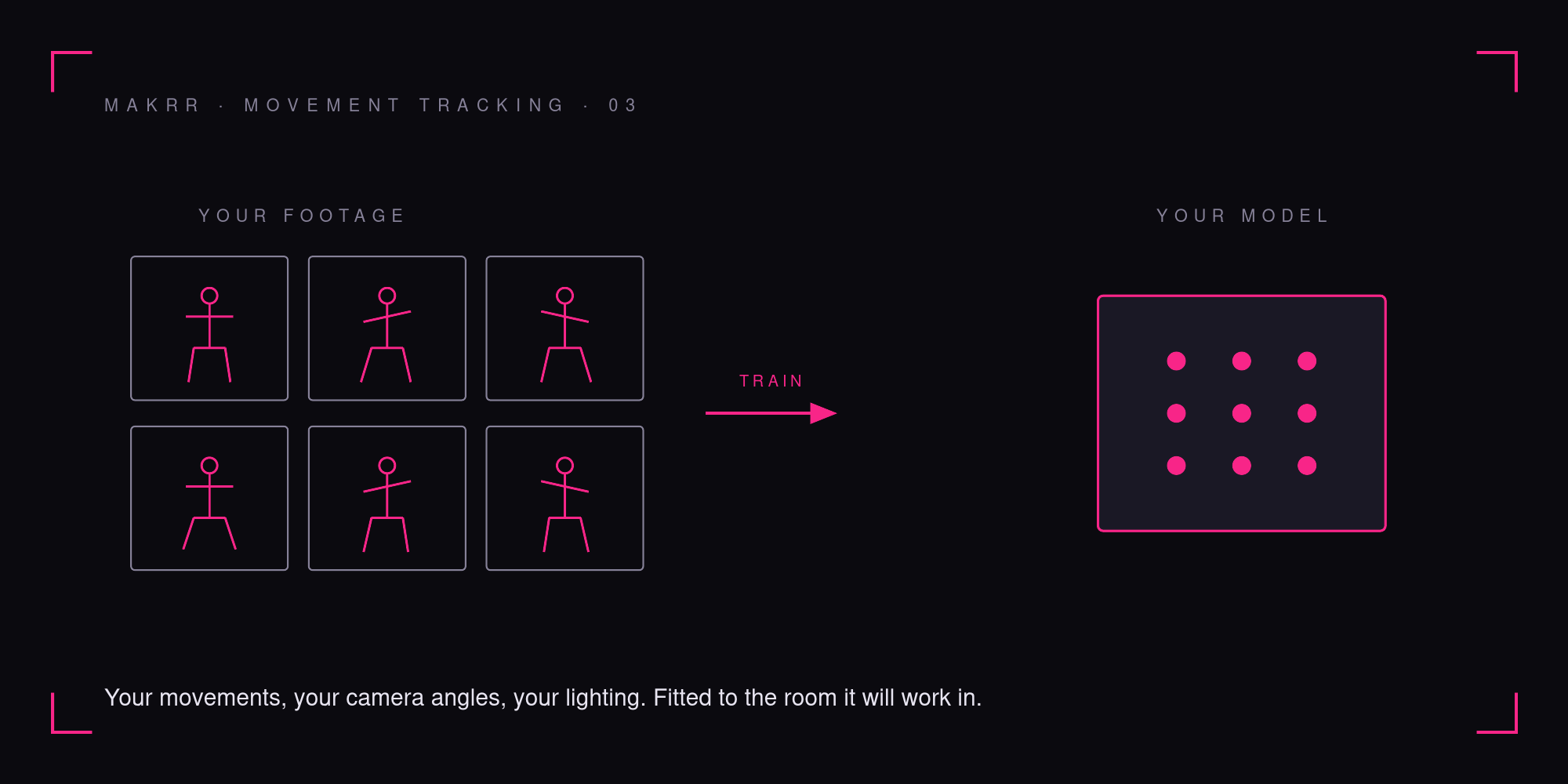
A generic model will still produce points in that room. The question is how often they land in the right place, and the honest answer changes from one room to the next. This is why MAKRR trains the model on your own footage: your movements, your camera angles, your lighting. It is fitted to the room it will work in, not to the average of the internet.
Where the video goes, which is mostly nowhere
Workout video is video of identifiable people, often in fitted clothing, sometimes in their own homes. Under GDPR that is personal data, and every copy that travels to a server is a copy somebody has to govern.
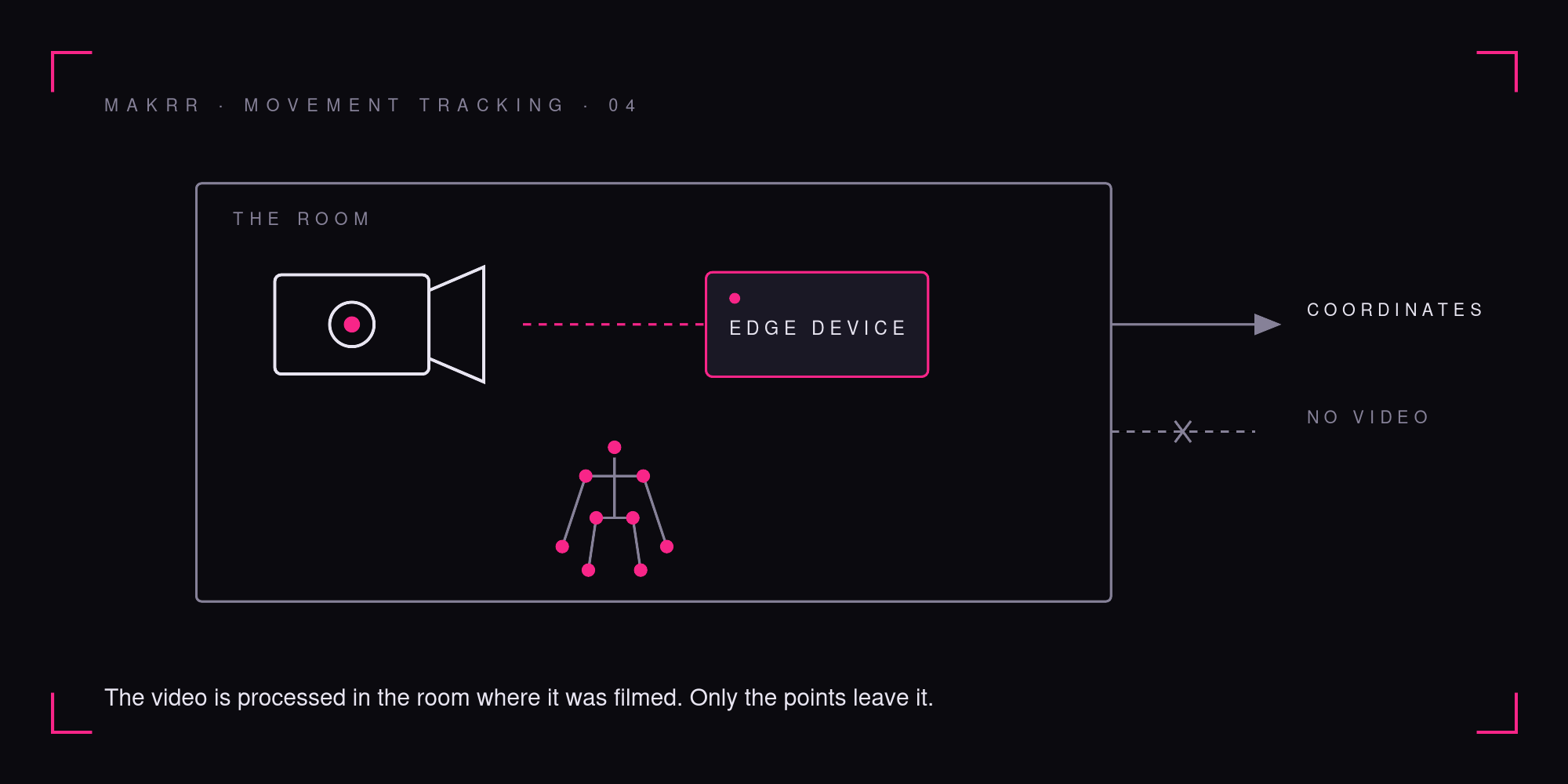
MAKRR runs the trained model on a small edge device next to the camera, so the video is processed in the room where it was filmed, and the coordinates are what leave it. Faces and other identifiers can be blurred on the device before anything is stored. Training itself can run on your own servers where that matters to you.
This is general information about data architecture, not legal advice. Confirm your specific position with your data protection officer.
Getting the footage right
Most of what decides tracking quality is settled before the model sees a single frame.
Whole body in frame. Head to feet, for the full range of the movement, including the bottom of a lunge and the top of a reach.
A steady mount. A tripod or a fixed wall bracket rather than a phone held in someone’s hand.
Even light. From the front or the side, never from a window behind the person.
Enough frames for the speed of the movement. At 30 frames a second the camera captures a frame every 33 milliseconds, which is plenty for a slow squat or a held pilates position and thin for a jump, where the interesting part is over in a handful of frames. Fast movement wants 60 frames a second or more.
One angle, chosen on purpose. A side view shows depth in a squat; a front view shows whether left and right move together. A single camera sees in two dimensions, so the angle is a decision rather than a detail.
How a project starts
MAKRR builds movement tracking into the app or studio system you already run, as a scoped project rather than a separate app your members have to download. It starts small: one class format or one movement, one camera position, and a set of your own recordings to train on. Once the points are reliable in your room, the next layer, whatever your product needs from them, is scoped on its own.
The footage to start with is very likely already sitting on your drive. Until now it has only ever been watched. Tracked, it shows how every member in it moved, joint by joint, through every set.
If you run a studio or a fitness app and already film workouts, book a scoping call and tell us what you would want to know about the movement in them.
FAQs
-
or every frame, the position of each joint as x and y coordinates in the image. Common open formats mark seventeen points across the body, from the nose and shoulders down to the ankles. Joined frame by frame, those points become the path each joint travels through a movement.
-
No. There are no markers, no suits and no wearables. An ordinary camera with a clear view of the person, head to feet, is the starting point.
-
Public pose models learn largely from everyday photographs of people upright and facing the camera in decent light. A studio is a different visual problem: floor work, equipment between the camera and the hips, mirrors, low evening light, and black clothing on a black mat. A model fitted to your room performs against your conditions rather than against an average.
-
No. The trained model runs on a small edge device next to the camera, so the video is processed in the room where it was filmed and the coordinates are what leave it. Faces and other identifiers can be blurred on the device before anything is stored.
-
Whole body in frame for the full range of the movement, a steady mount rather than a handheld phone, even light from the front or side, and a frame rate suited to the speed of the movement. Thirty frames a second is plenty for a slow squat or a held position, and fast movement wants sixty or more.
-
No. It is built into the app or studio system you already run, as a scoped project.